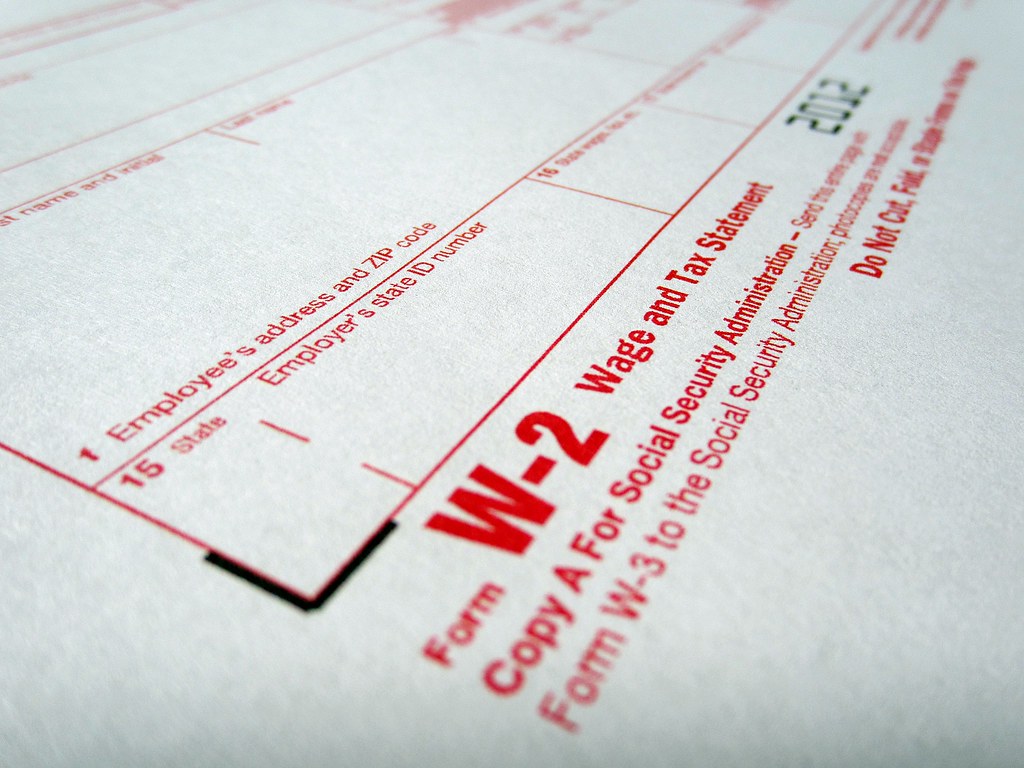
Along with federal filing, employers must be aware of Form W-2 State filing requirements for any applicable states.
Filing Form W-2 with the Social Security Administration (SSA) is only part of year-end payroll. Many states also require employers to submit Form W-2 state copies and, in many cases, an annual reconciliation. Missing a state step can trigger penalties. This guide explains the moving pieces, shows verified examples, and highlights where online summaries commonly go wrong.
Form W-2 State Filing Typical Requirements
- State copy of Form W-2: Some states require you to transmit Form W-2 data to the state revenue agency in addition to filing with SSA.
- Annual reconciliation: Many states require an annual form that reconciles total state tax withheld with payments made during the year. This is often due on January 31 and is filed with or alongside state Form W-2 data. Examples include Alabama Form A-3 and Virginia Form VA-6.
- E-file mandates: States increasingly require electronic submission, especially over certain volume thresholds or when you previously paid electronically.
- No state income tax: A handful of states with no wage income tax generally do not require Form W-2 submission to the state, but you must still meet federal deadlines. Examples include Florida, South Dakota, Texas, Washington, and Wyoming.
- Check your unemployment or other program filings separately.
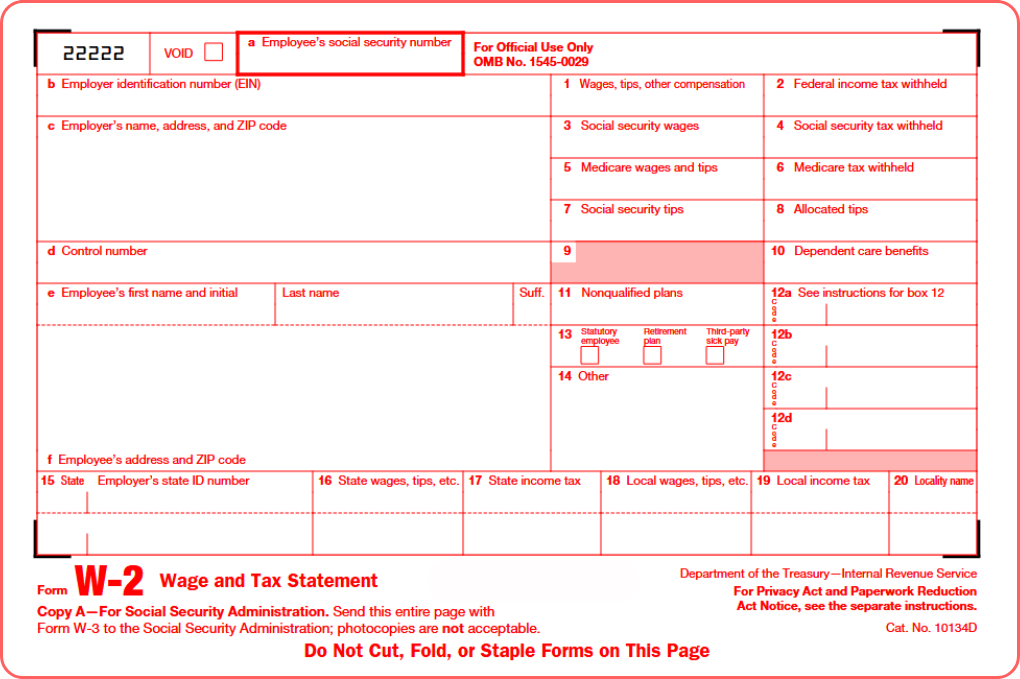
Form W-2 state examples
Below are examples of Form W-2 state deadlines. Deadlines that fall on a weekend or holiday are typically moved to the next business day.
| State | What to file | Due date | E-file notes |
|---|---|---|---|
| Alabama | W-2 + Form A-3 annual reconciliation | Jan 31 | E-file required for ≥10 W-2s or if you filed/paid electronically |
| Arizona | W-2 with A1-APR and annual A1-R reconciliation | Jan 31 for A1-R | File online; submit W-2 data with A1-APR |
| California | No separate state W-2 submission requirement to FTB/EDD; continue your normal payroll returns | — | — |
| Connecticut | W-2 + CT-W3 | Jan 31 | E-file required in many cases |
| Delaware | W-2; if paper, include WTH-REC transmittal | Jan 31 | E-file available; paper requires WTH-REC |
| District of Columbia | W-2; paper filers include Form WT | Jan 31 | E-file preferred |
| Hawaii | Provide W-2/HW-2 to employees; submit W-2/HW-2 information with HW-3 | Employees by Jan 31; submit data to state by Feb 28 | Electronic filing encouraged |
| Illinois | W-2 to the Illinois Department of Revenue | Jan 31 | E-file required via IDOR electronic programs |
| Indiana | W-2 + WH-3 annual reconciliation | Jan 31 | Bulk electronic specifications published by DOR |
| Iowa | W-2 filing with the Department of Revenue | Feb 15 | Must file electronically using GovConnectIowa |
| New Jersey | W-2 + NJ-W-3M annual reconciliation | Feb 15 | E-file supported |
| New York | Quarterly combined wage and withholding reporting on NYS-45; this includes wage detail reporting | Quarterly due dates: Apr 30, Jul 31, Oct 31, Jan 31 | File online |
| Utah | Annual reconciliation TC-941E with required W-2s | Jan 31 | Electronic filing required; W-2s must be filed electronically |
| Virginia | W-2s submitted with VA-6 annual summary | Jan 31 | Must file VA-6 and W-2s electronically |
How to use this information
- Confirm your state’s exact rules each year. States revise thresholds, due dates, and e-file specs. Use the linked state pages above to verify before you file.
- Prepare your reconciliation early. Most reconciliations pull totals from your payroll ledger. Reconcile deposits to the penny to avoid notices. Alabama’s A-3 and Virginia’s VA-6 are common examples.
- Plan for e-file formatting. Many states accept SSA EFW2 format with state-specific codes. Build or export test files in advance.
- Watch special dates. Some states keep Jan 31, others set mid-February dates or separate deadlines for the reconciliation. Hawaii and New Jersey are examples that push certain submissions beyond Jan 31.
Penalties and common pitfalls
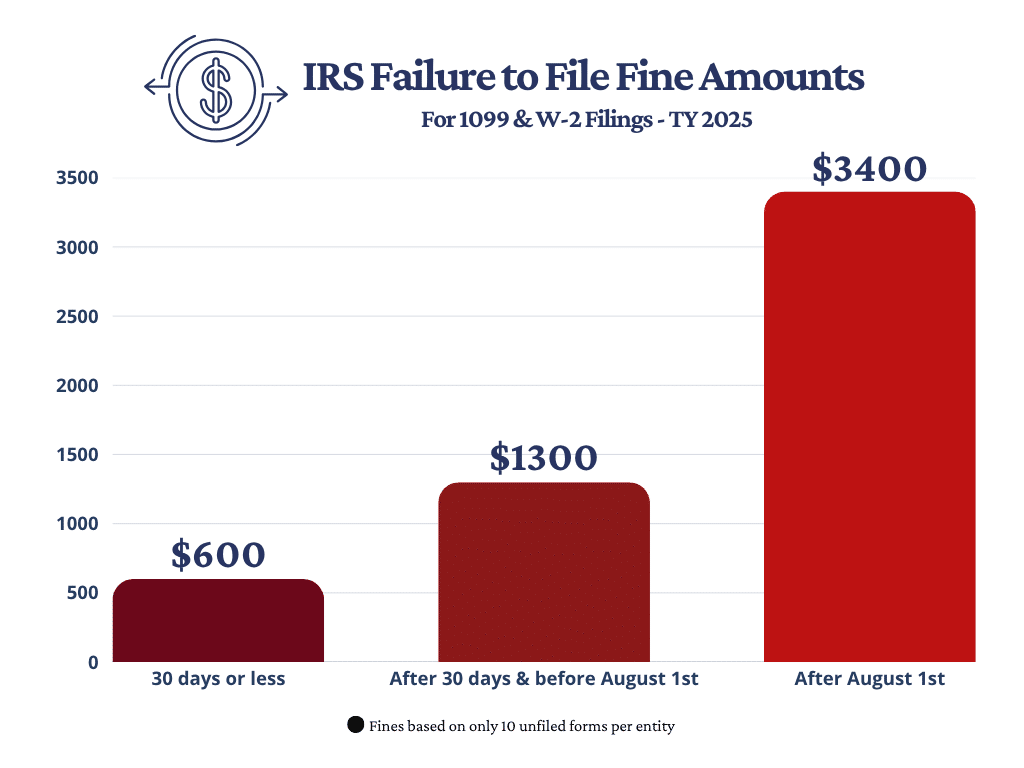
- Late or missing filings: States impose per-return penalties or percentages of tax due. Virginia notes January 31 for VA-6 with Form W-2s and mandates electronic filing. Failure to comply can trigger penalties.
- Wrong form codes: Submitting federal formats without state-specific fields can cause rejections. Alabama explicitly references SSA EFW2 specs for uploads.
- Assuming “no state filing” when there is wage reporting: New York does not require a separate annual W-2 transmittal, but it does require quarterly wage and withholding reporting on NYS-45 that includes wage detail.
Common misconceptions
- “New York does not require form W-2 state reporting.” Not exactly. Employers submit wage and withholding information quarterly on NYS-45, which includes wage detail. Treat this as your state wage report obligation and meet the quarterly deadlines.
- “Hawaii W-2s are due to the state by January 31.” Hawaii requires you to give W-2/HW-2 to employees by January 31, but the state submission of W-2/HW-2 information with Form HW-3 is due by February 28.
- “January 31 is universal.” It is common, but not universal. Iowa and New Jersey have February due dates for certain submissions. Always check your state’s page for the specific year.
Quick checklist for year-end
- Verify whether your state requires W-2 submission, an annual reconciliation, or both.
- Confirm e-file thresholds and formats in advance, especially if you issued many W-2s.
- Align totals: quarterly returns, deposit records, W-2 state wages, and withholding should reconcile to your annual form.
- Note special deadlines beyond January 31, such as Hawaii’s HW-3 on February 28 or New Jersey’s NJ-W-3M on February 15.
Bottom line for form W-2 state filing
Most states either require form W-2 submission, an annual reconciliation, or both, and many mandate electronic filing. Use the state links above to confirm what applies to you this season, prepare EFW2-compatible files where required, and reconcile your totals before you transmit. Doing so reduces corrections and penalties and helps you close the year with confidence.
BoomTax, The Boom Post, and its affiliates do not provide tax, legal or accounting advice. This material has been prepared for informational purposes only, and is not intended to provide, and should not be relied on for, tax, legal or accounting advice. You should consult your own tax, legal and accounting advisors prior to engaging in any transaction.
About Author